How to Posterize a Photo Online into Flat Color Bands
Reduce smooth gradients into bold posterized color bands right in your browser without losing full pixel resolution. Compare 3, 4, and 8 levels and export PNG free.
TL;DR
- Posterize quantizes red, green, and blue channels into 2 to 32 discrete color steps while leaving pixel resolution crisp.
- Lower Levels (3 or 4) turn stairs, skies, and architectural faces into bold Silkscreen-like bands; raising Levels to 8 preserves form with simplified shading.
- Edit locally in Pixel's free browser demo and export PNG; Artfkt desktop exports clean full resolution and combines multi-layer masks.

To posterize a photo online while keeping edges sharp, open Posterize in Artfkt Pixel’s free browser editor, choose Open photo, and lower Levels from 5 down to 3 or 4 until gradients simplify into flat graphic bands. Unlike mosaic or pixel-art resizing, posterization leaves every pixel sharp at full resolution and reduces color steps per channel instead.


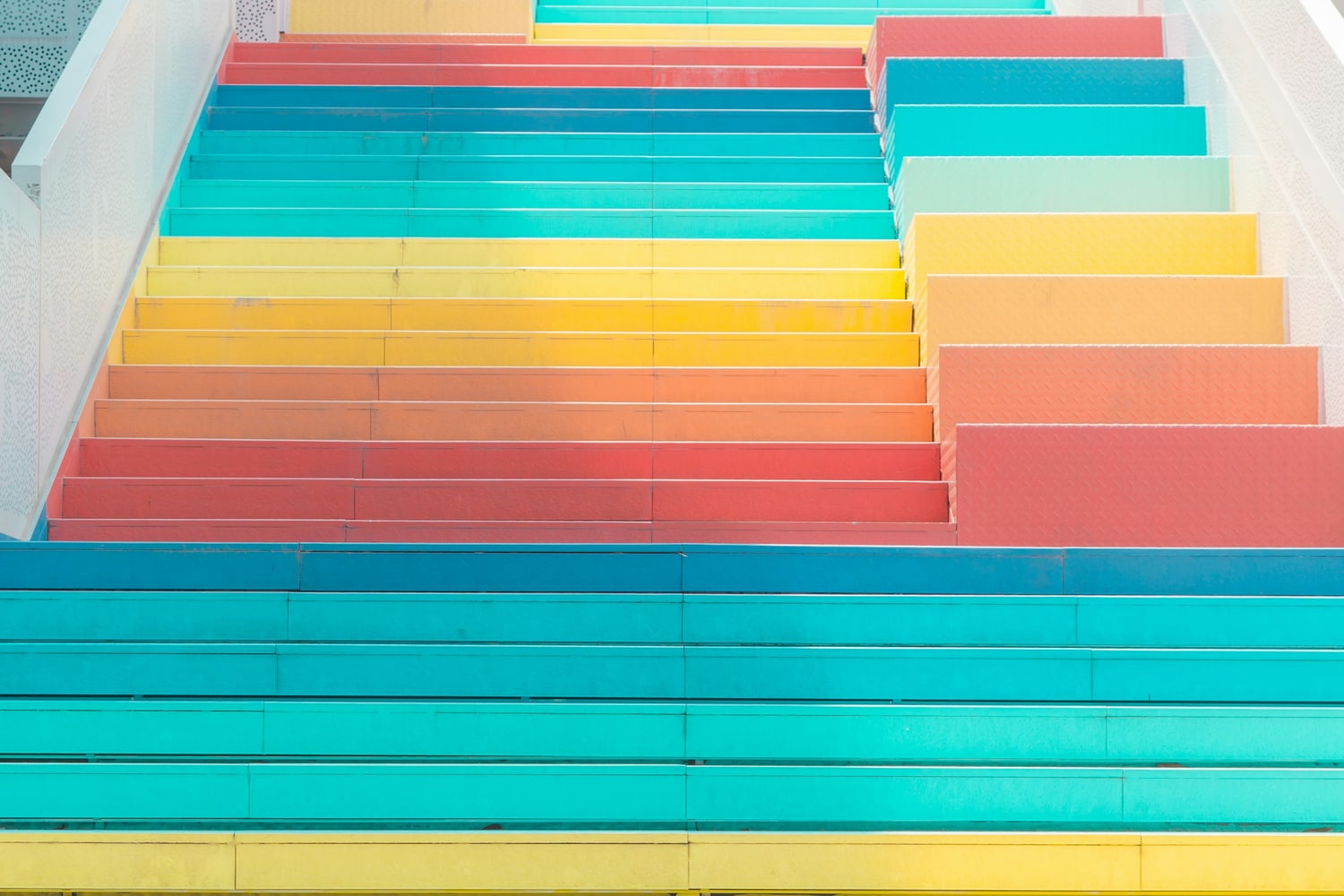
Try Posterize on your photo. Pick Open photo to simplify architecture, skies, album covers, or botanicals, or download the colorful-stairs practice photo (1500 × 1000 JPG, Joe Chau via Unsplash License).
Comparing 3 levels vs 8 levels
Because Posterize divides each RGB channel into discrete intervals (2 to 32 Levels), small slider changes create dramatically different tonal rhythms:


Posterize vs Pixel Art, Palette Reduction, and Threshold
- Posterize vs Pixelation: Posterize flattens colors while preserving crisp
1×1outlines; square pixel blocks and retro color palettes are covered in converting a photo into pixel art and pixelation vs palette reduction. - Posterize vs Threshold: Posterize preserves hue in flat full-color bands, while strict two-ink silhouettes live in Artfkt’s high-contrast Threshold guide.
- Read the full Posterize effect control breakdown for color-channel math and Surface FX placement on 3D shapes.
Posterize and export in three steps
- Open Posterize in your browser and choose Open photo. All processing runs locally on your computer or phone.
- Adjust Levels (
2–4for graphic silhouettes and painted murals,5–8for simplified illustrations,10+for subtle retro tonal compression). - Click Export → PNG to download a lossless file cleanly preserving every stepped band (browser demo exports carry a small Artfkt mark and cap stills at
1080px; Artfkt Desktop exports full resolution without marks and stacks saved looks and masks across all 52 collections).
| Example variation | Levels | Effect on gradients |
|---|---|---|
| Graphic stencil | 3 |
Maximum color flattening across planes |
| Balanced poster | 4 |
Distinct shadows with clean midtones |
| Subtle stepping | 8 |
Smooth readability with light banding |
| Demo default | 5 |
General starting balance |
Make something unexpected
No subscriptions. More room to create.
Bring all collections and multiple image layers together in one desktop studio. Build a look, shape its motion, and save your next starting point.
Pay US$29 once at launch (regularly US$39). Includes all current collections and Artfkt 1.x updates.
Future major upgrades are not included.